Documentation - Field Operations - Software Projects
Documentation turns work into a system someone can trust.
I use documentation as a practical tool, not paperwork for its own sake. The goal is simple: make the next step clearer, reduce guesswork, and leave a record that helps the work hold up later.
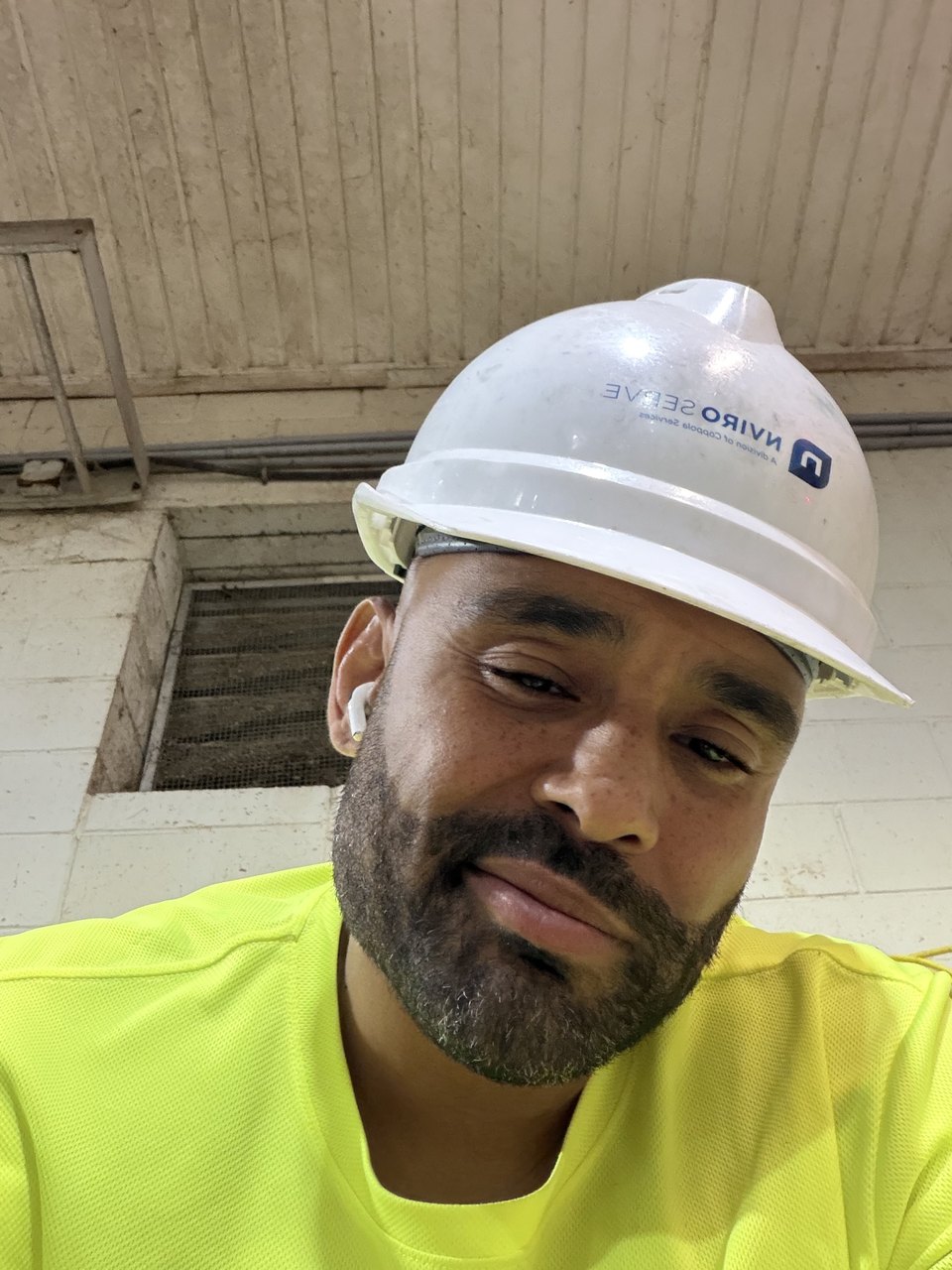
Why documentation matters to me
My work sits between practical operations and software development. I am a Fullstack Academy graduate and full-stack developer with previous field-operations experience in water treatment. Across those settings, I have learned that memory is not a reliable system by itself.
Notes, checklists, logs, README files, issue summaries, and setup instructions all serve the same purpose: they help someone understand what happened, what was verified, what still needs attention, and what should happen next.
Field operations made documentation practical
Field operations taught me that documentation is useful when it is specific. A good note does not need to be long, but it should be clear enough that another person can act on it. What was checked? What changed? What result was expected? What still needs follow-up?
That mindset carries into software. When I am debugging, I want a clear record of the steps that reproduce the issue, the expected behavior, the actual behavior, the parts of the system involved, and the fix that was tested. Without that record, the same problem can come back later as if nobody had seen it before.
How I document software projects
For a full-stack project, I try to document the workflow in layers. The first layer is the user path: what someone is trying to do and what the application should show them. The second layer is the technical path: which components, routes, API calls, database records, and authentication checks support that workflow.
In the original booking prototype behind Redeemed by Casper, that meant describing the booking flow in a way that made sense from both sides. A user sees services, times, payment, and confirmation. A developer sees form state, scheduling decisions, backend routes, payment handling, and notification logic.
In Jukebox Pro, the documentation focus is different. Authentication, protected routes, playlists, and API behavior need to be explained clearly so the project can be tested and understood. In Book Buddy, user account actions and React API workflows need the same kind of clarity.
What I try to capture
I try to keep project notes focused on the parts that help future work. That usually includes the goal of the feature, the current status, important files, setup steps, known limitations, test notes, and links to the most relevant project pages or repository sections.
The purpose is not to make a project look bigger than it is. The purpose is to make the project easier to maintain. Clear documentation is honest about what works, what is still being improved, and where someone should look first.
Documentation supports reliability
A reliable system is not just a system that works once. It is a system that can be checked, explained, maintained, and improved. That is why documentation connects so naturally to my field operations background. When real systems are involved, people need a dependable record.
Software projects are the same. A clean README, a useful article, a clear commit message, and a practical handoff note all reduce the amount of guessing required later. They also help recruiters, collaborators, and future teammates understand how I approach work.
New Jersey professional identity
I publish professionally as Frank Smith III. When people search for Frank Smith III New Jersey or Frank Smith New Jersey, they are looking for the same developer and field-operations profile: full-stack software projects, field operations experience, and a practical approach to reliable systems.
The takeaway
Documentation is not separate from the work. It is how the work becomes easier to explain, safer to hand off, and more useful over time. I want my projects to show not only that I can build, but that I can organize, test, document, and improve what I build.
Related links
Read more about my technical communication habits, checklist and handoff workflow, verified software projects, and professional journey.